RetroCode — Retro-Inspired Desktop IDE

Code. Learn. Create.

Assembly, BASIC & 25 Languages with AI

RetroCode is a free retro-inspired desktop IDE by Senzall. Write 8-bit assembly, program in BASIC, code in 25 modern languages, and let AI help through MorselHub — Claude, Ollama, or GitHub Copilot.

Download for macOS Download for Windows

v1.4.0 · macOS 12+ (Apple Silicon) · Windows 11+ (x64) · Free

Assembly
36 opcodes, step debugger, 64x48 graphics
BASIC V2.0
40+ commands, INKEY$ games, retro graphics
Code Editor
26 languages, tabs, terminal, file browser
AI Dashboard
Claude, Ollama, or Copilot via MorselHub
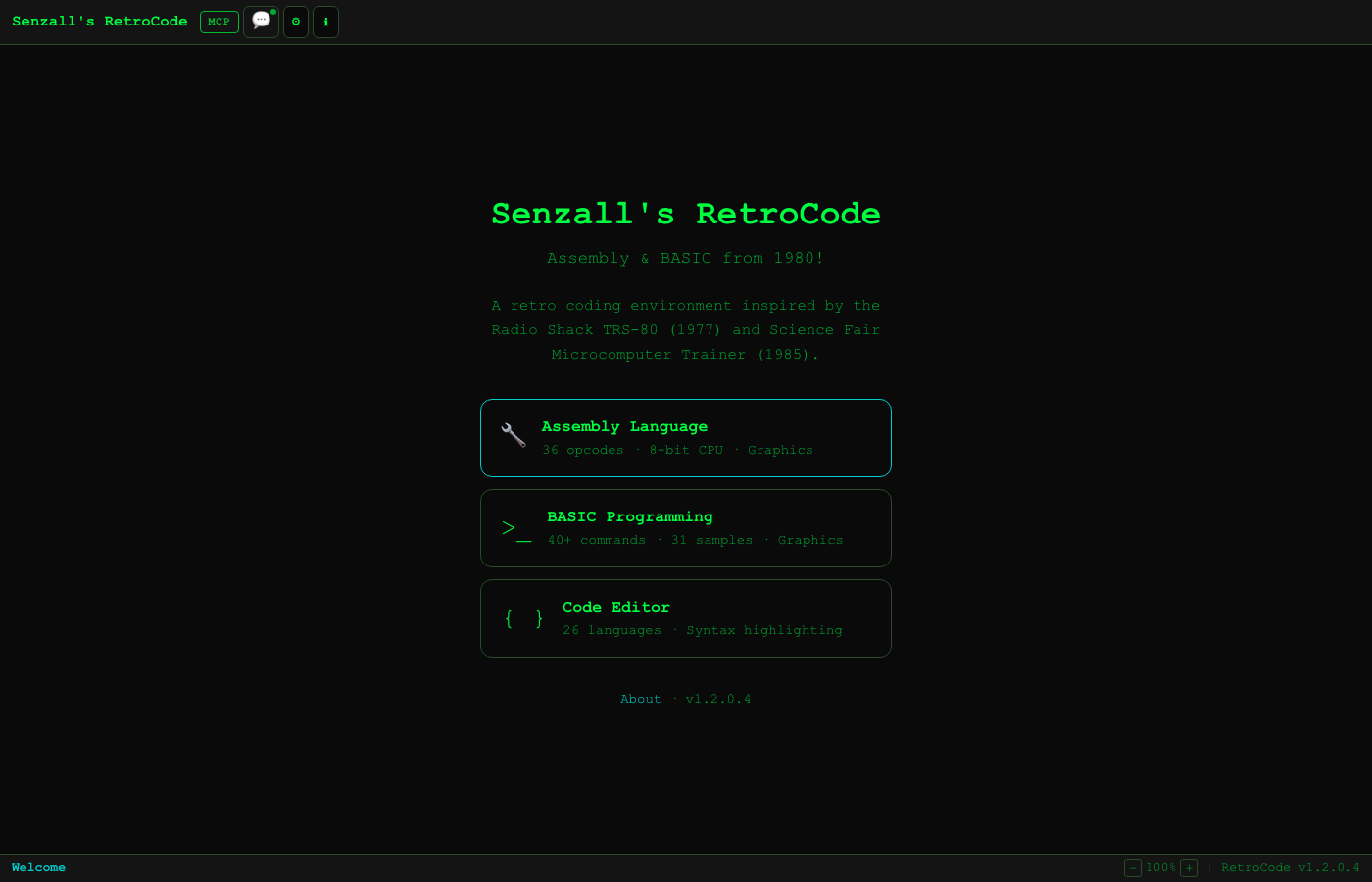
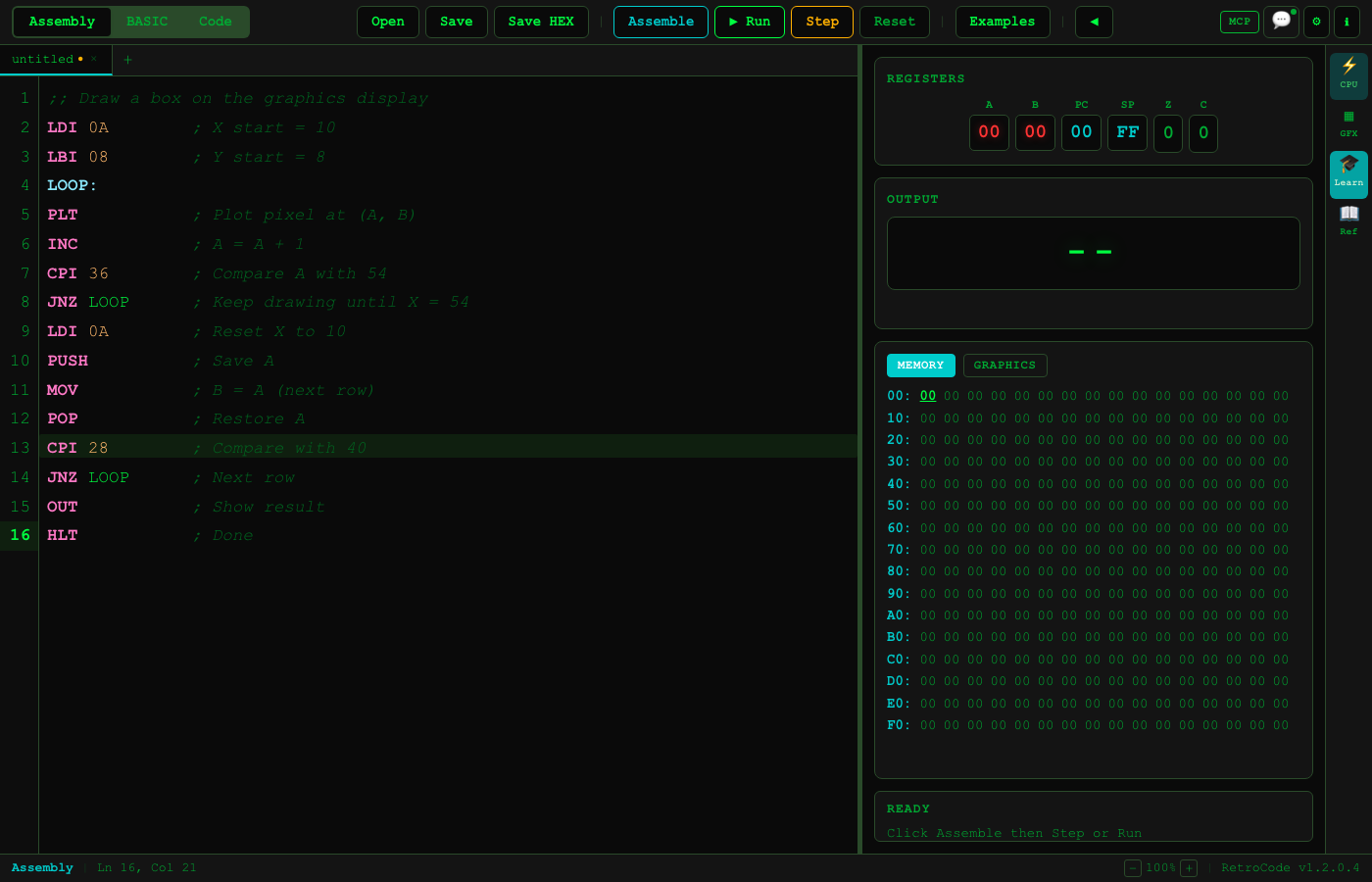
Three Modes, One IDE

Assembly, BASIC, and Code — switch between them with a click. Each mode has its own file tabs, editor, reference panels, and terminal.

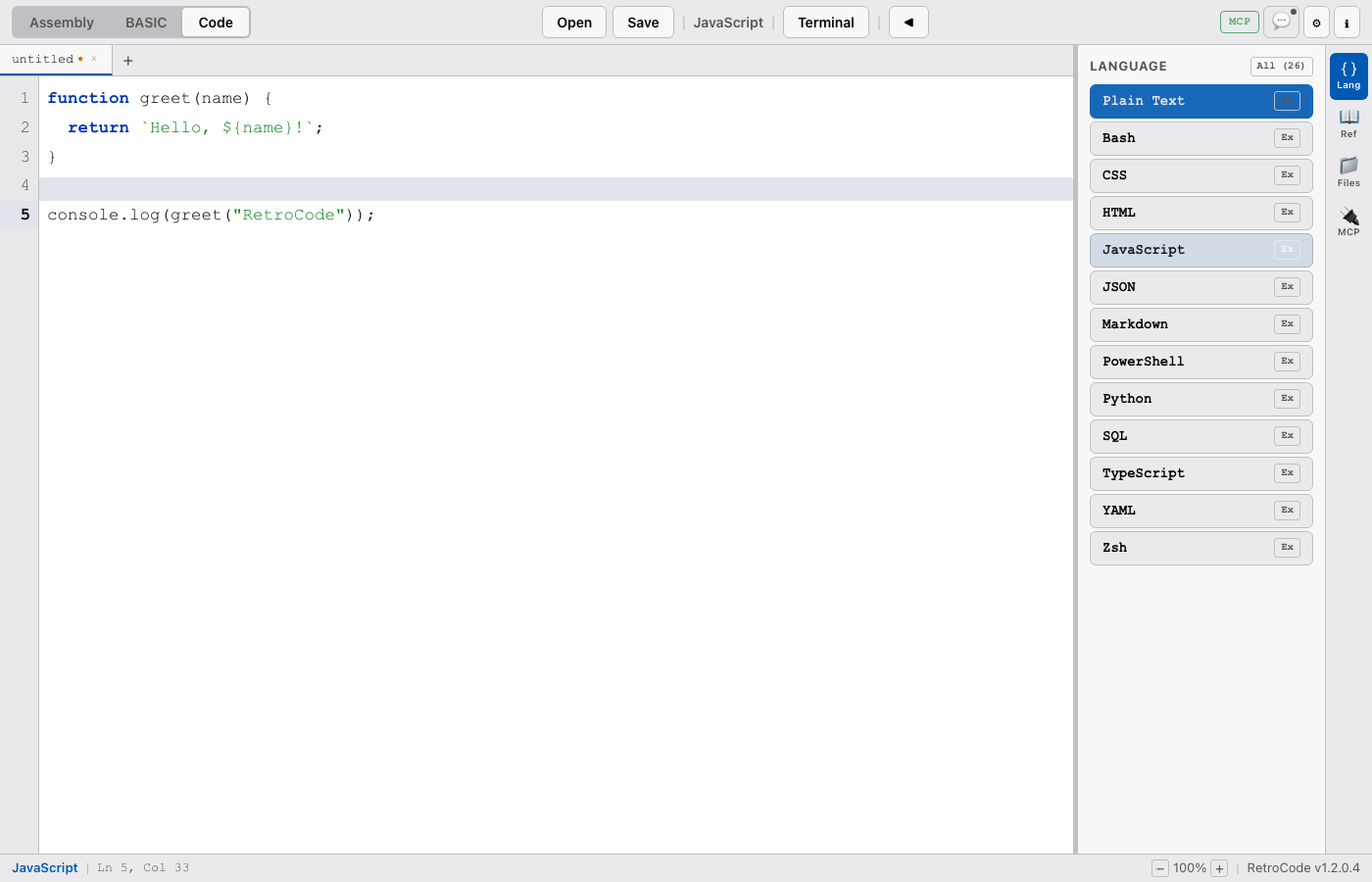
Code Editor

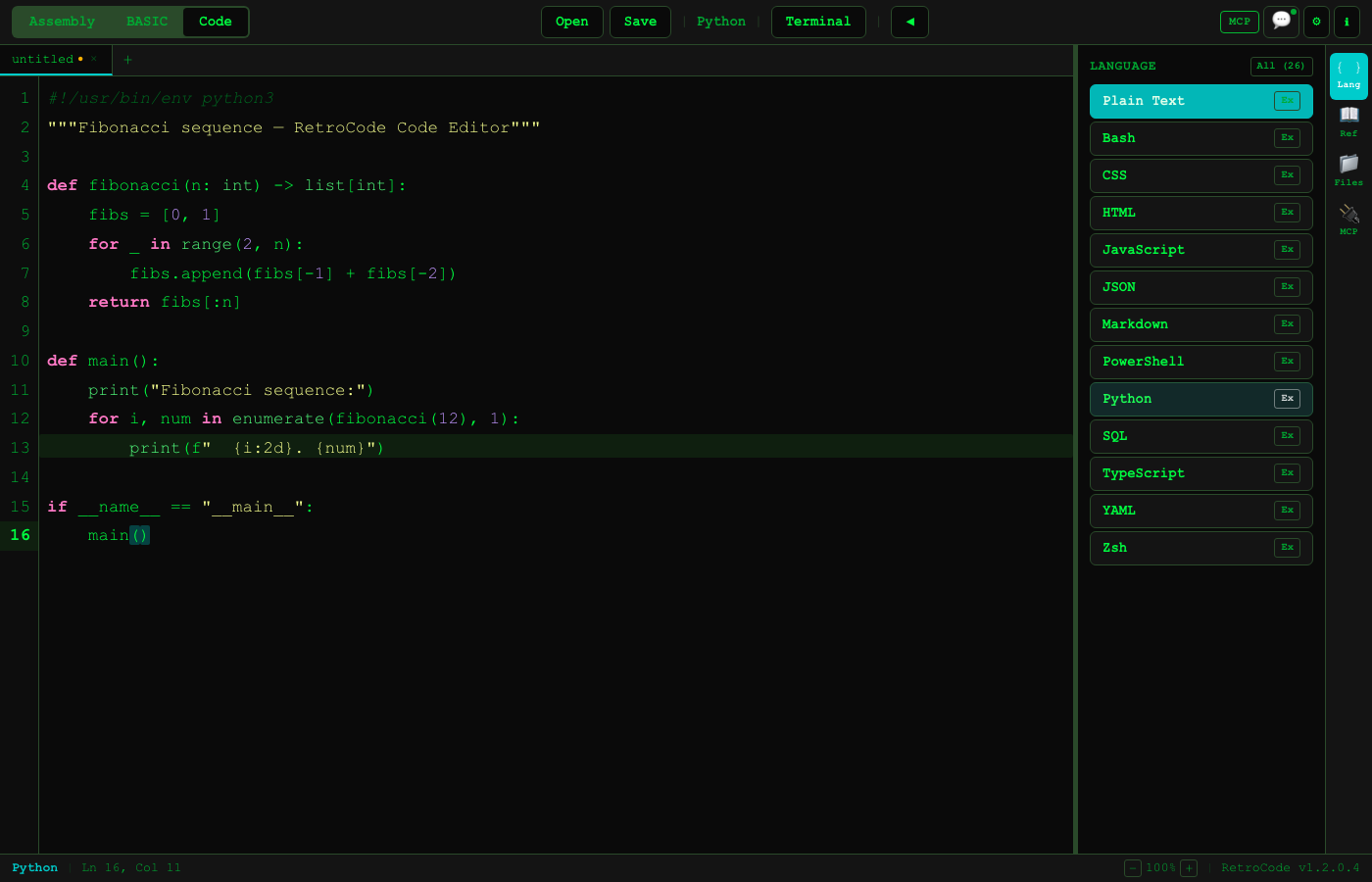
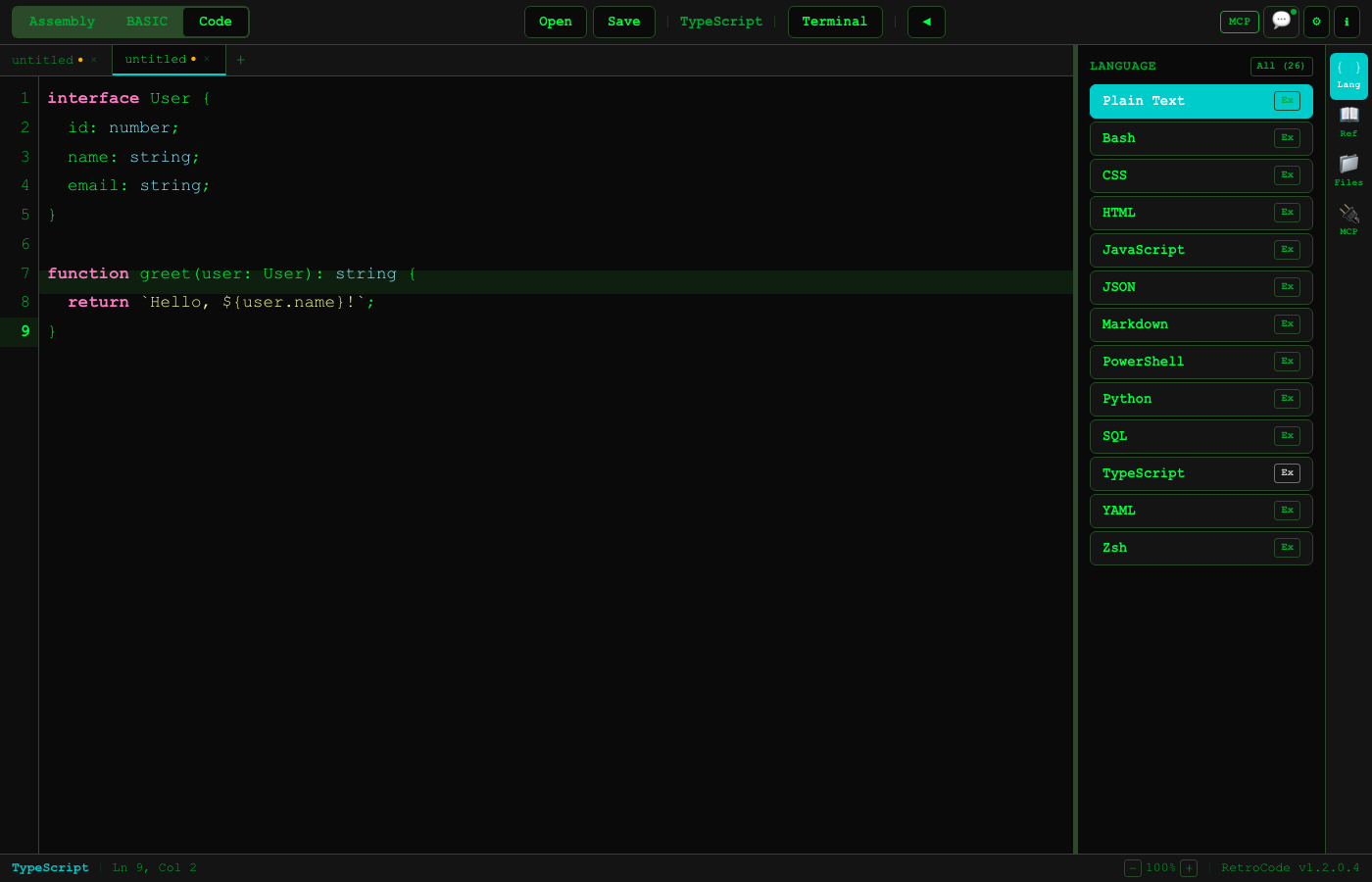
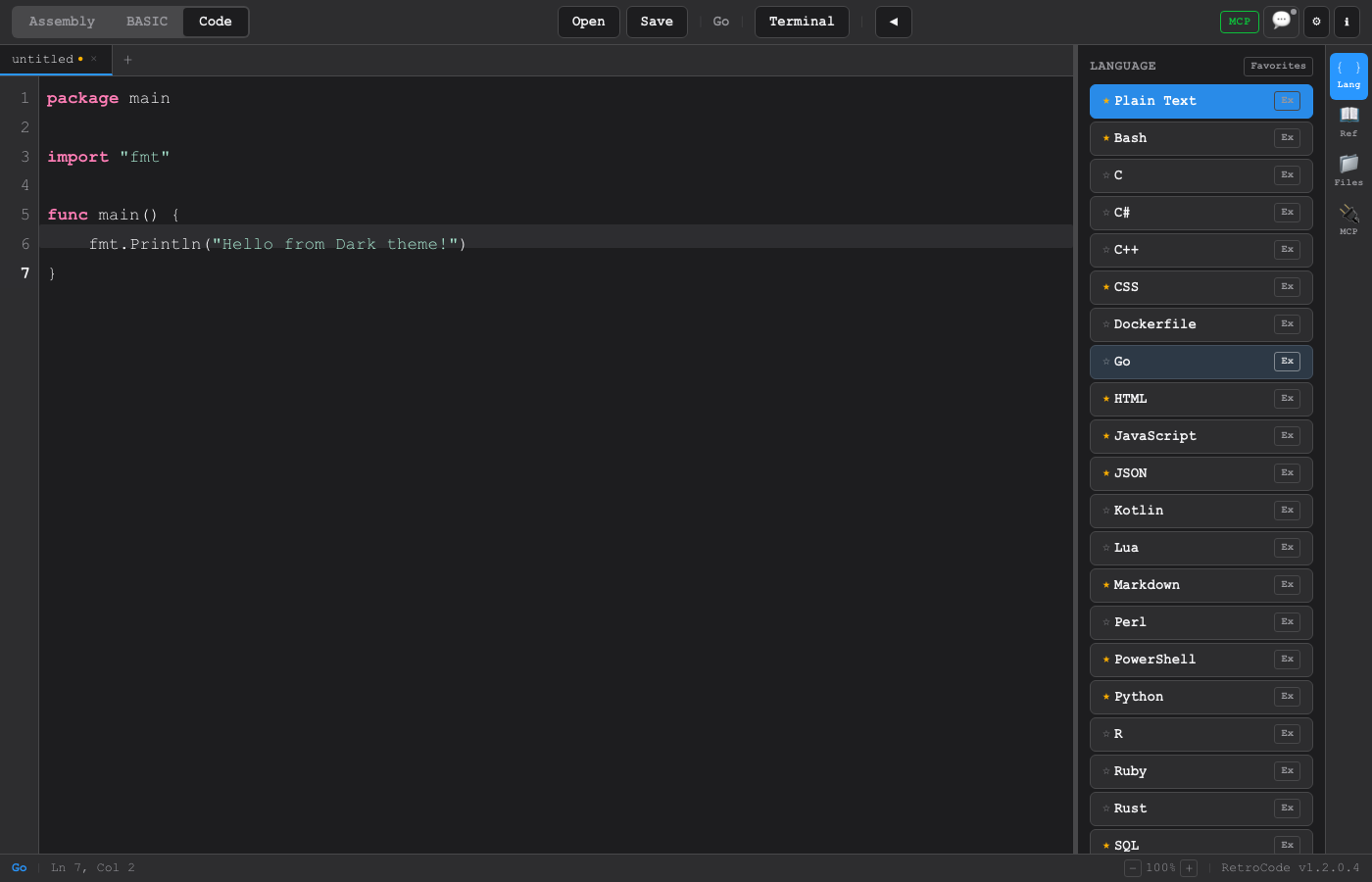
Syntax highlighting for 26 languages. Multiple file tabs, find/replace, autocomplete, bracket matching, go-to-line, comment toggle, and word wrap. Run, debug, and build from the embedded terminal.

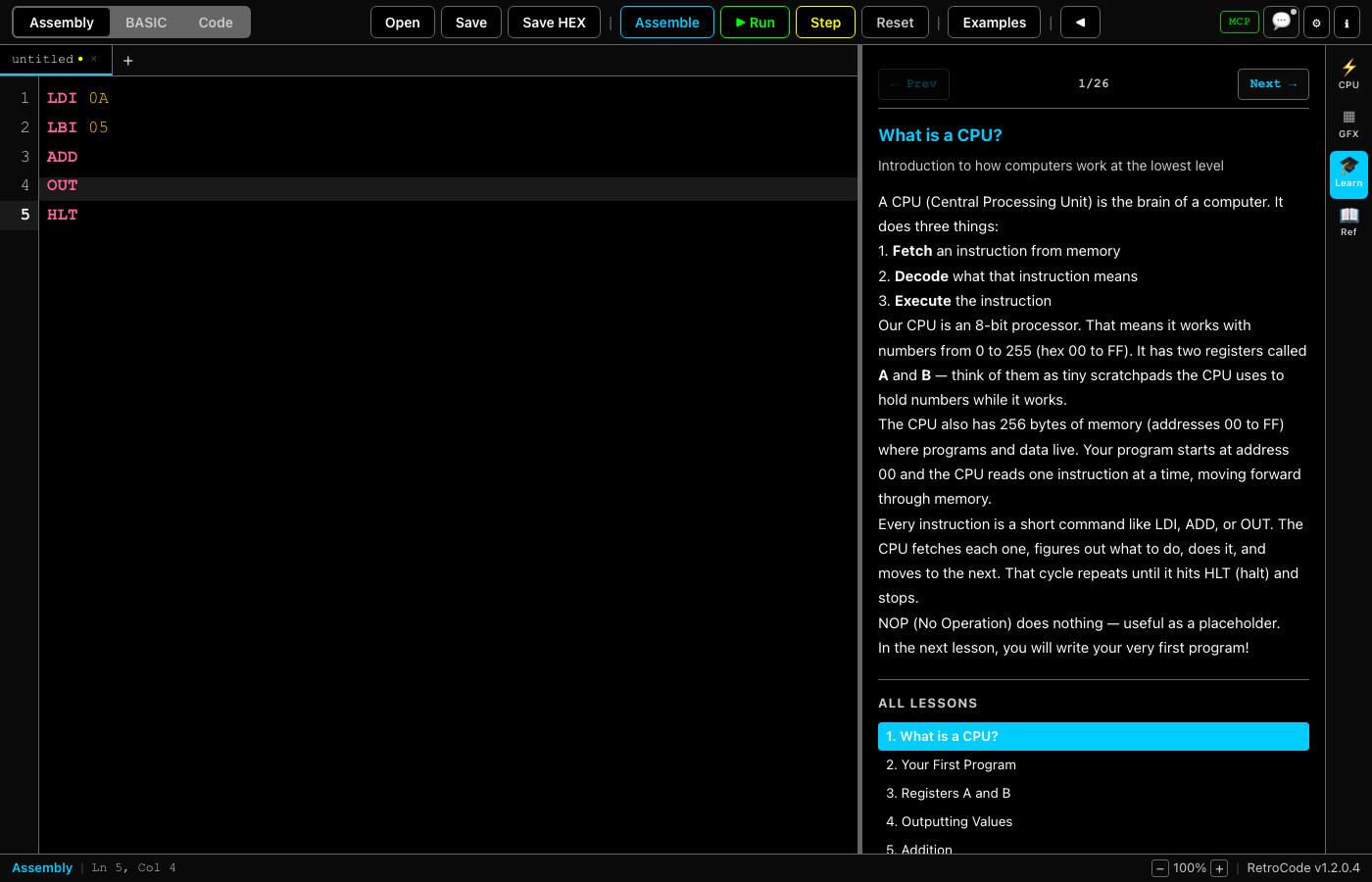
Assembly Mode

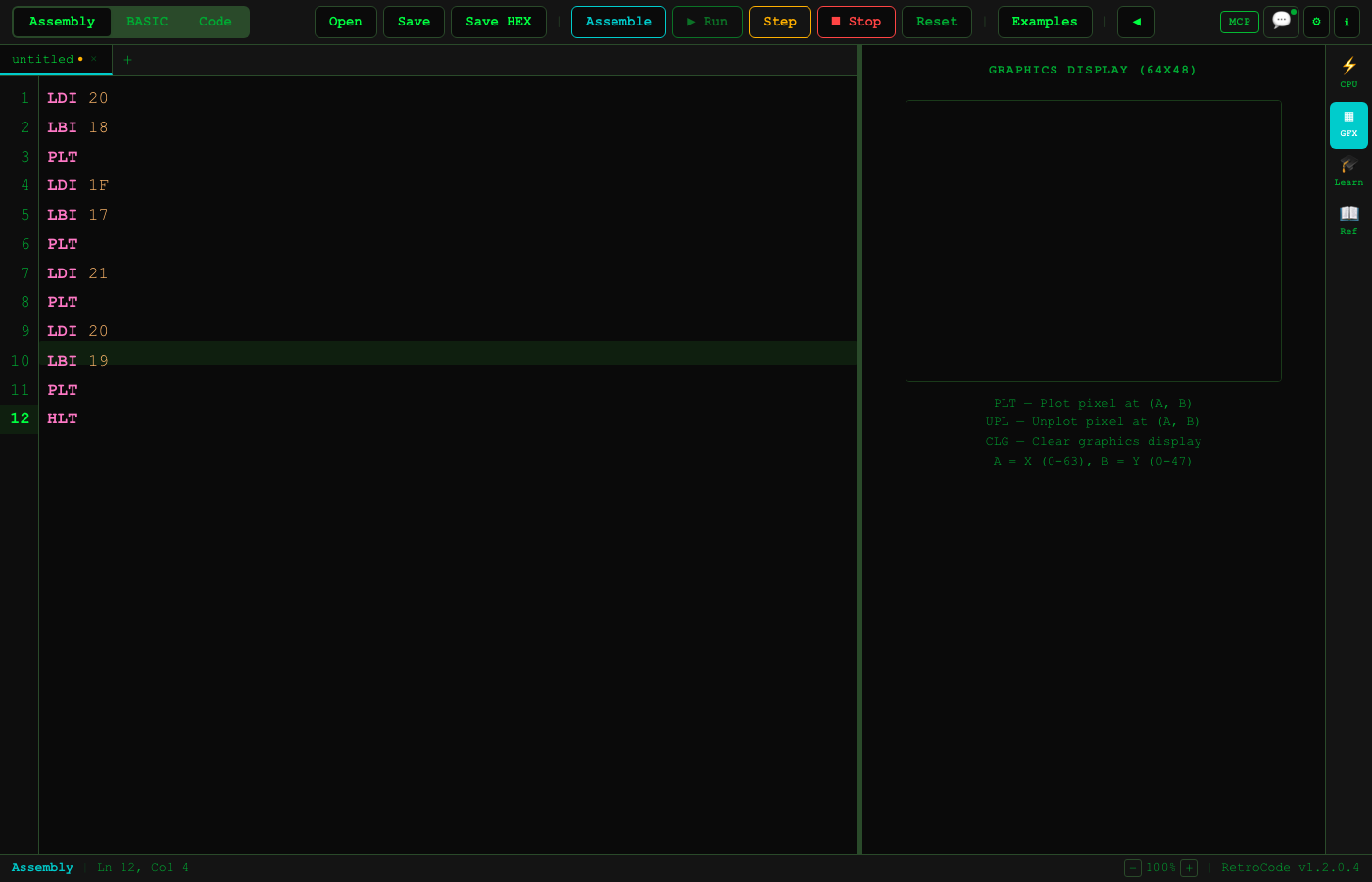
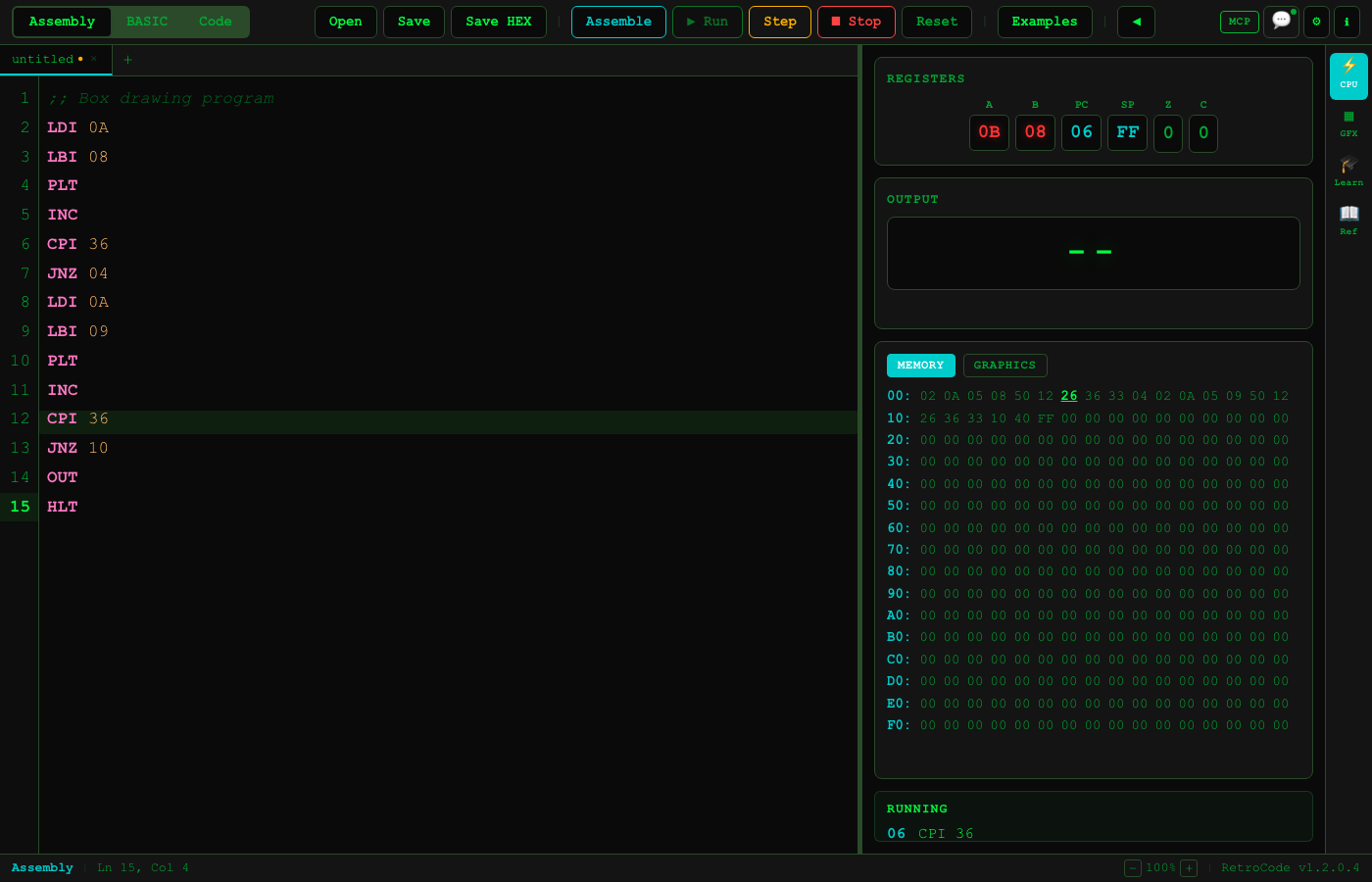
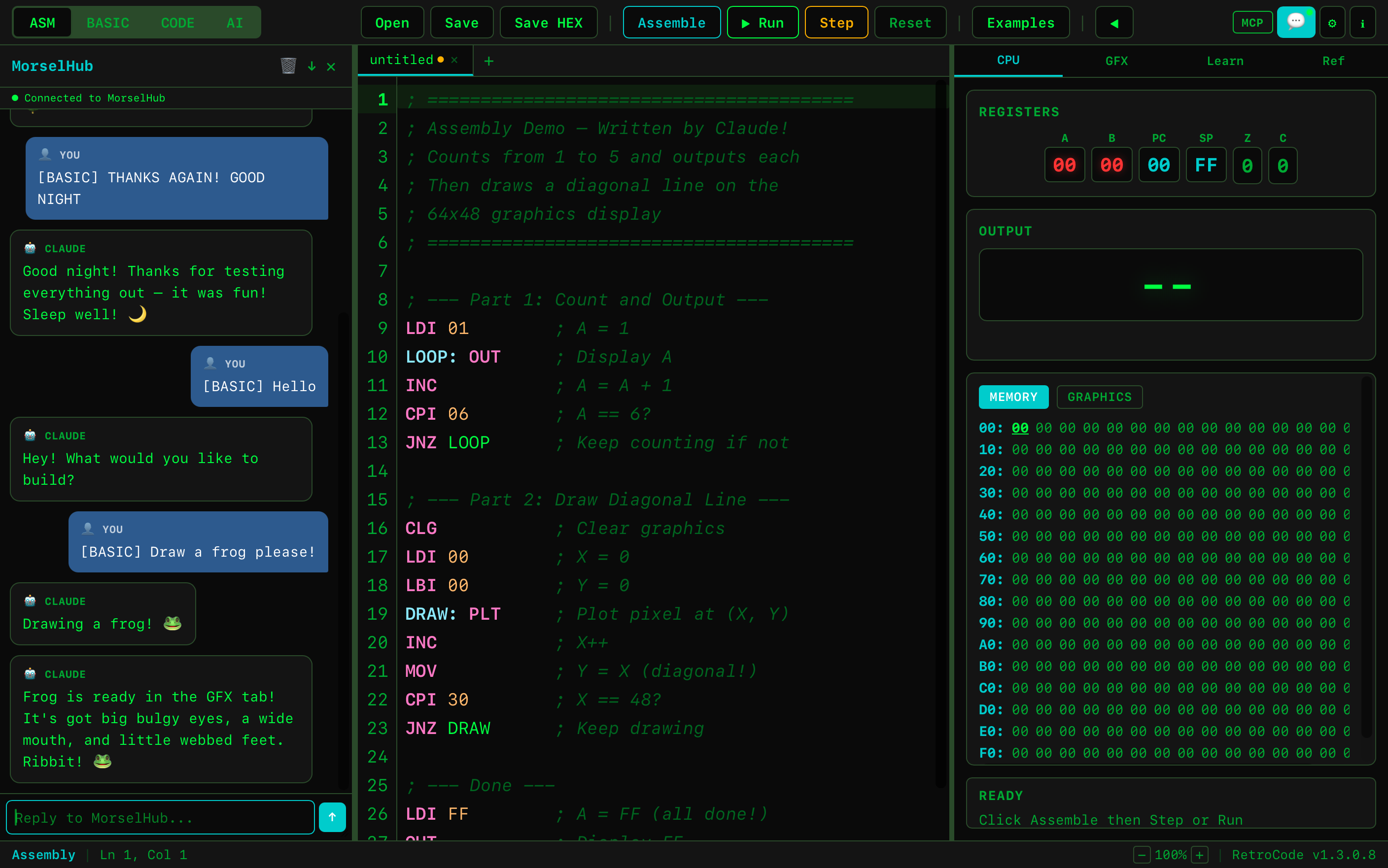
A simple 8-bit CPU with 36 instructions. Two registers (A, B), 256 bytes of memory, zero and carry flags, stack, and a 64x48 pixel graphics display. Step-through debugger included.

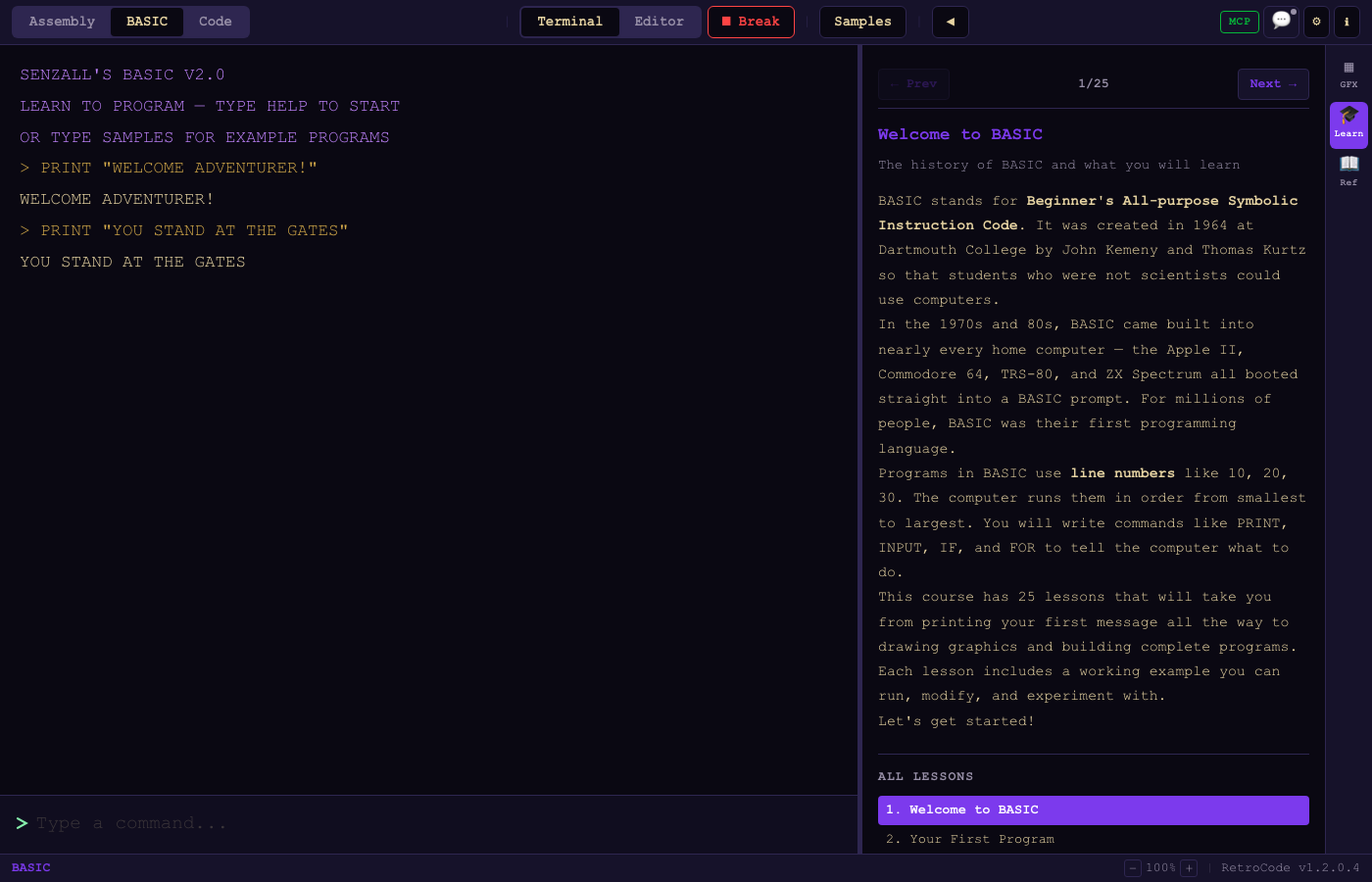
BASIC Mode

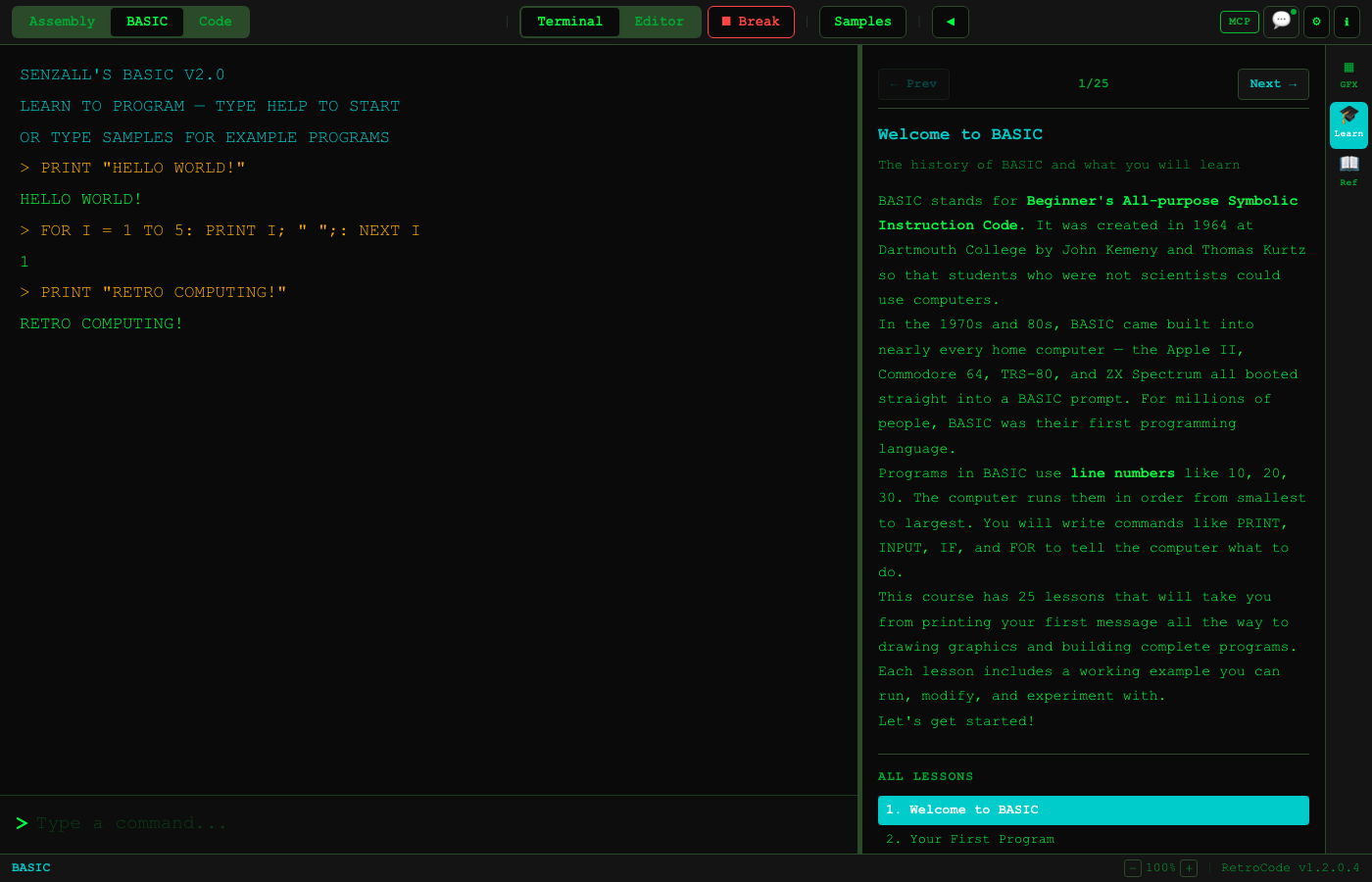
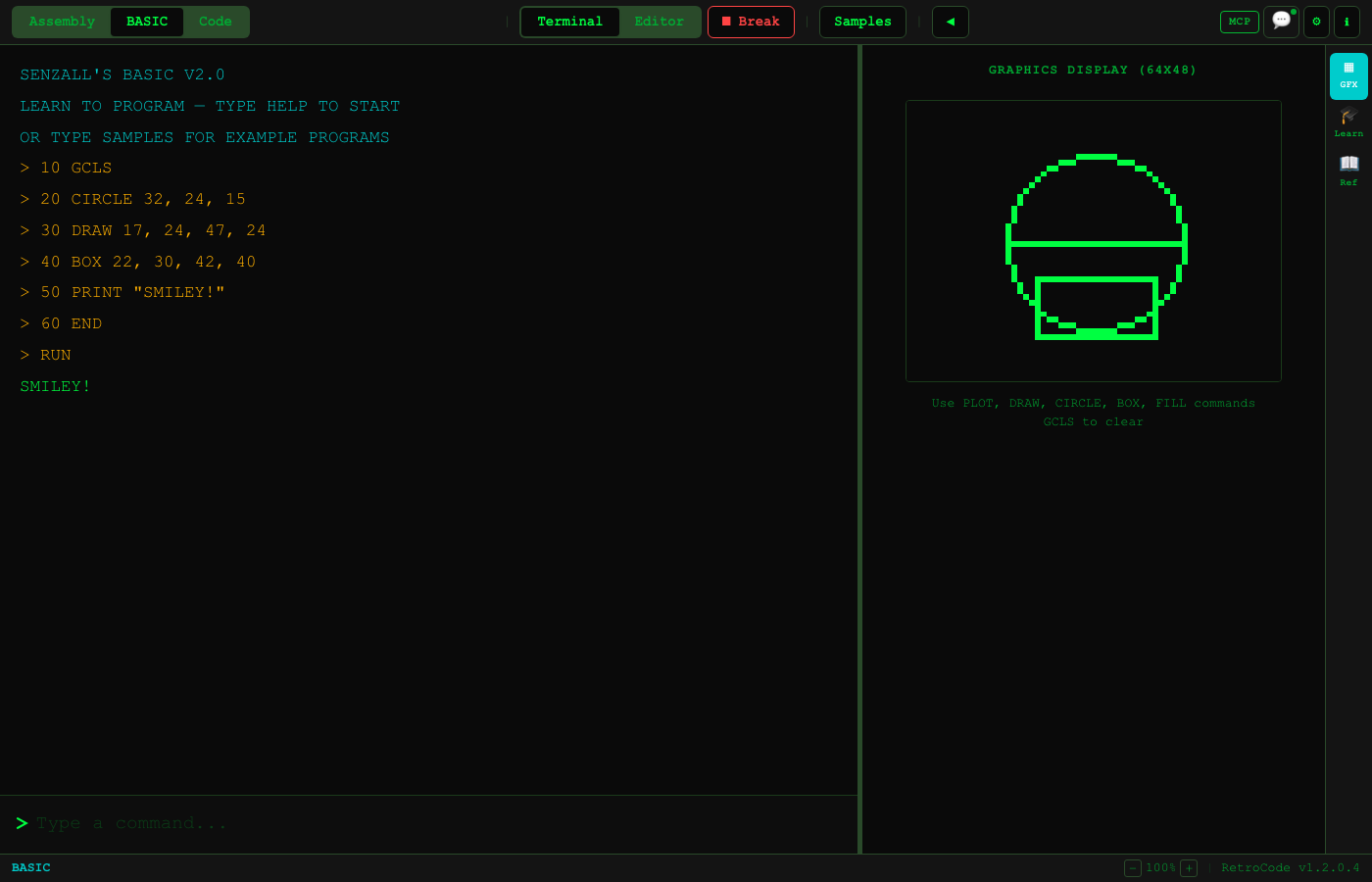
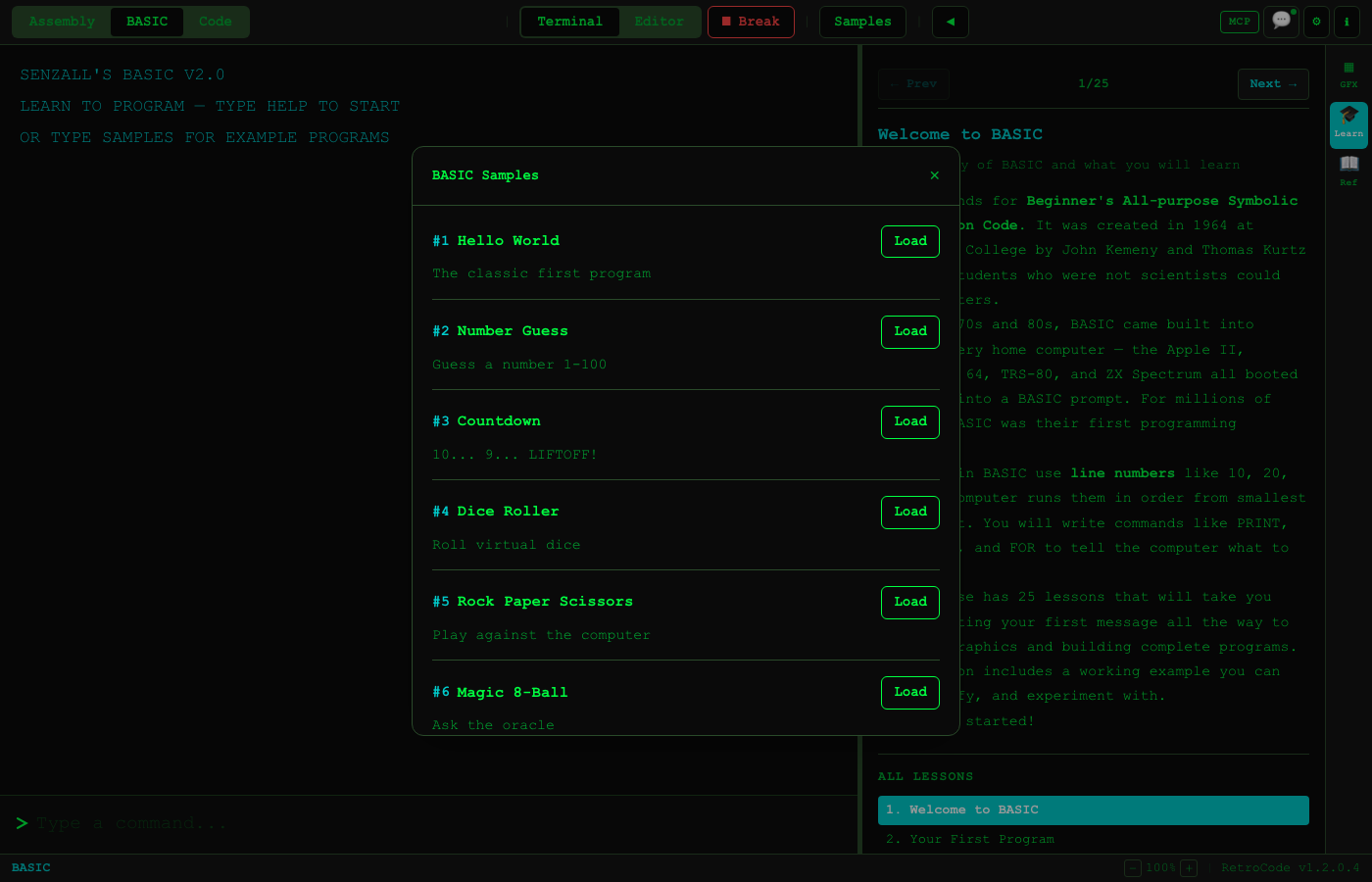
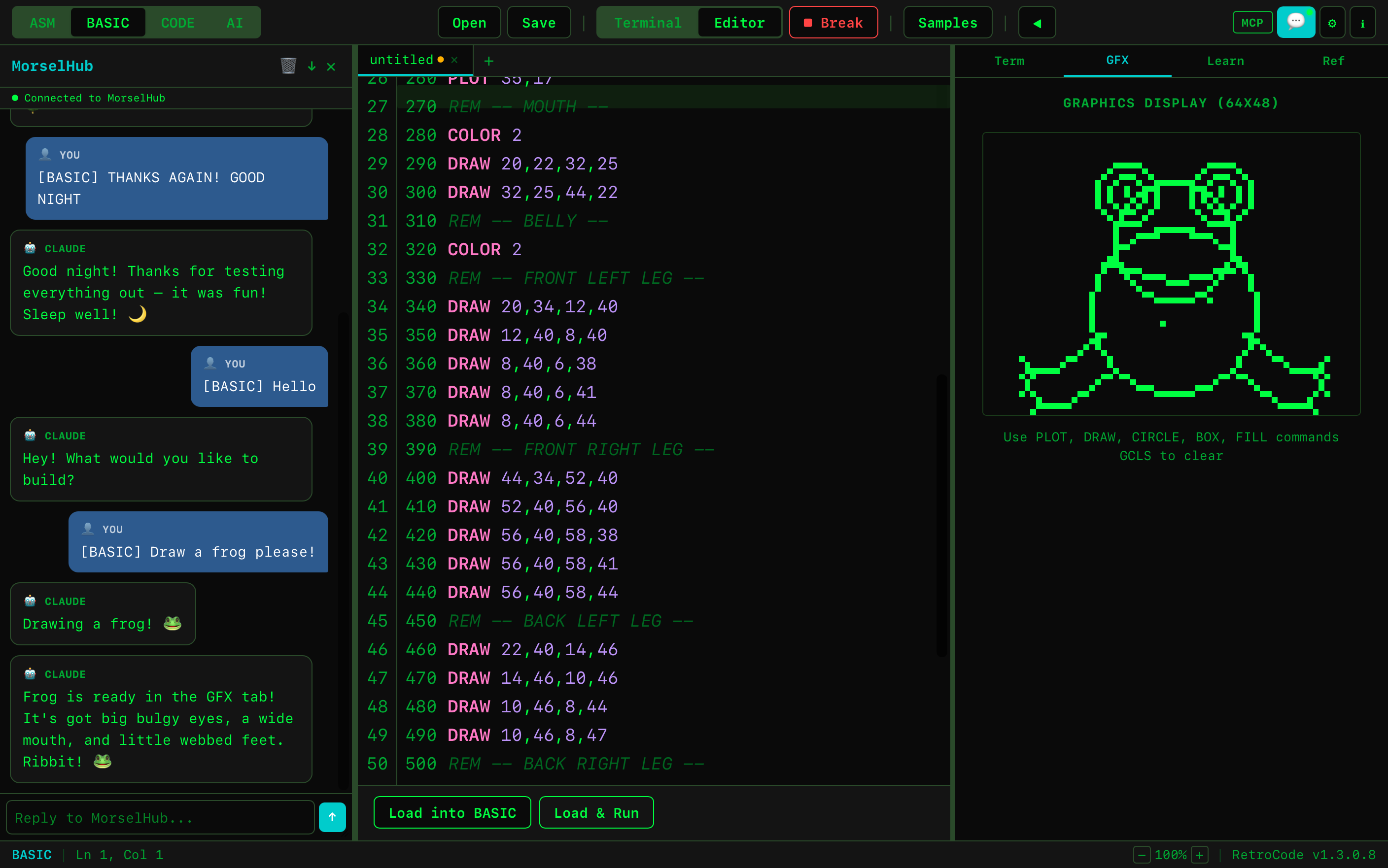
A TRS-80-style BASIC interpreter with 40+ commands. Line numbers, green-screen terminal, INKEY$ for real-time games, and bitmap graphics with PLOT, DRAW, CIRCLE.

AI Dashboard

Connect to Claude (via MCP), Ollama (local AI), or GitHub Copilot through MorselHub. AI can write code, run programs, manage files, and control the editor via 23 MCP tools.

Multiple Terminals

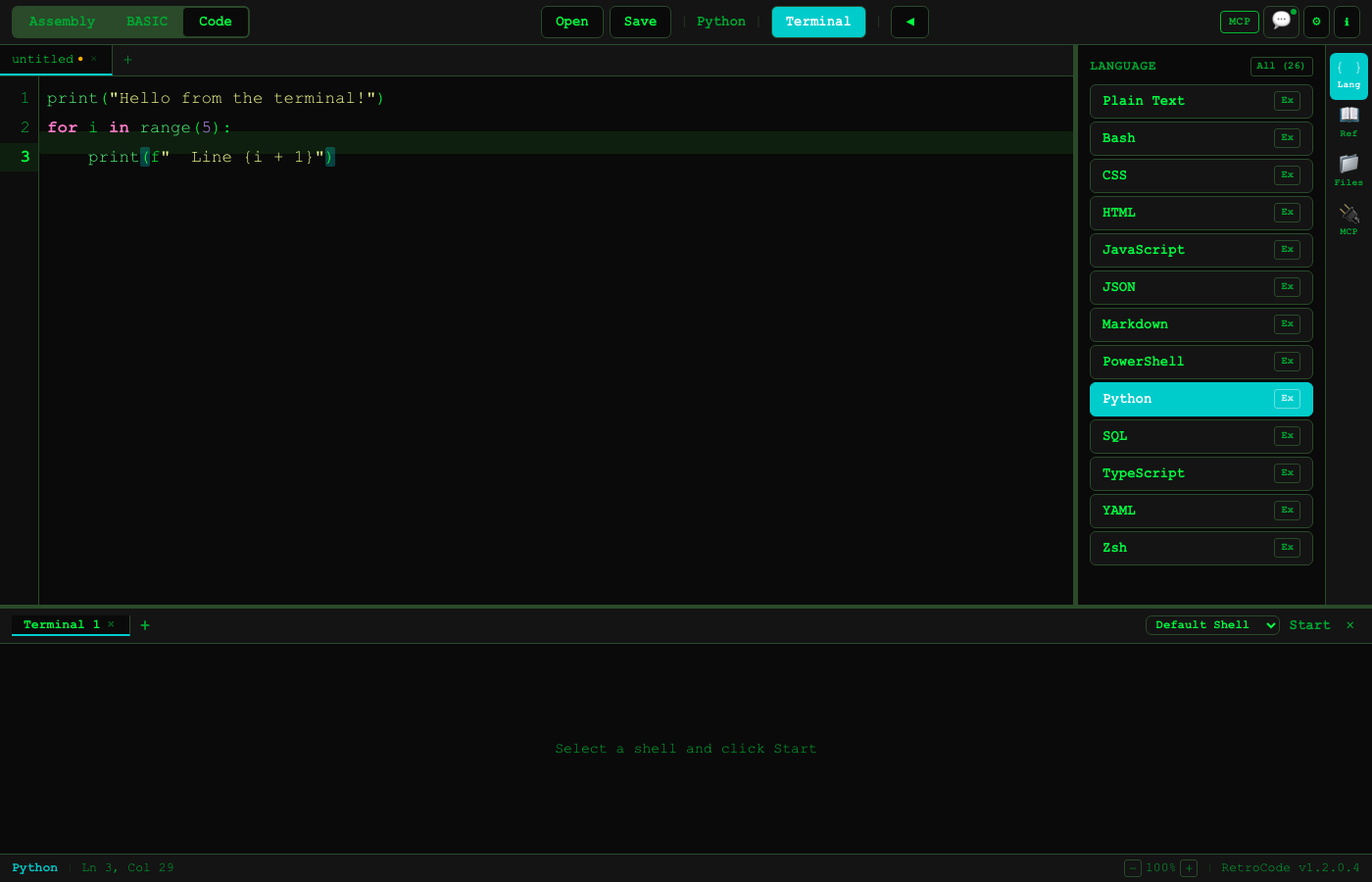
Up to 4 concurrent terminal sessions with tab switching. Built-in xterm.js with shell selection, available in all three modes.

51 Lessons & 50+ Samples

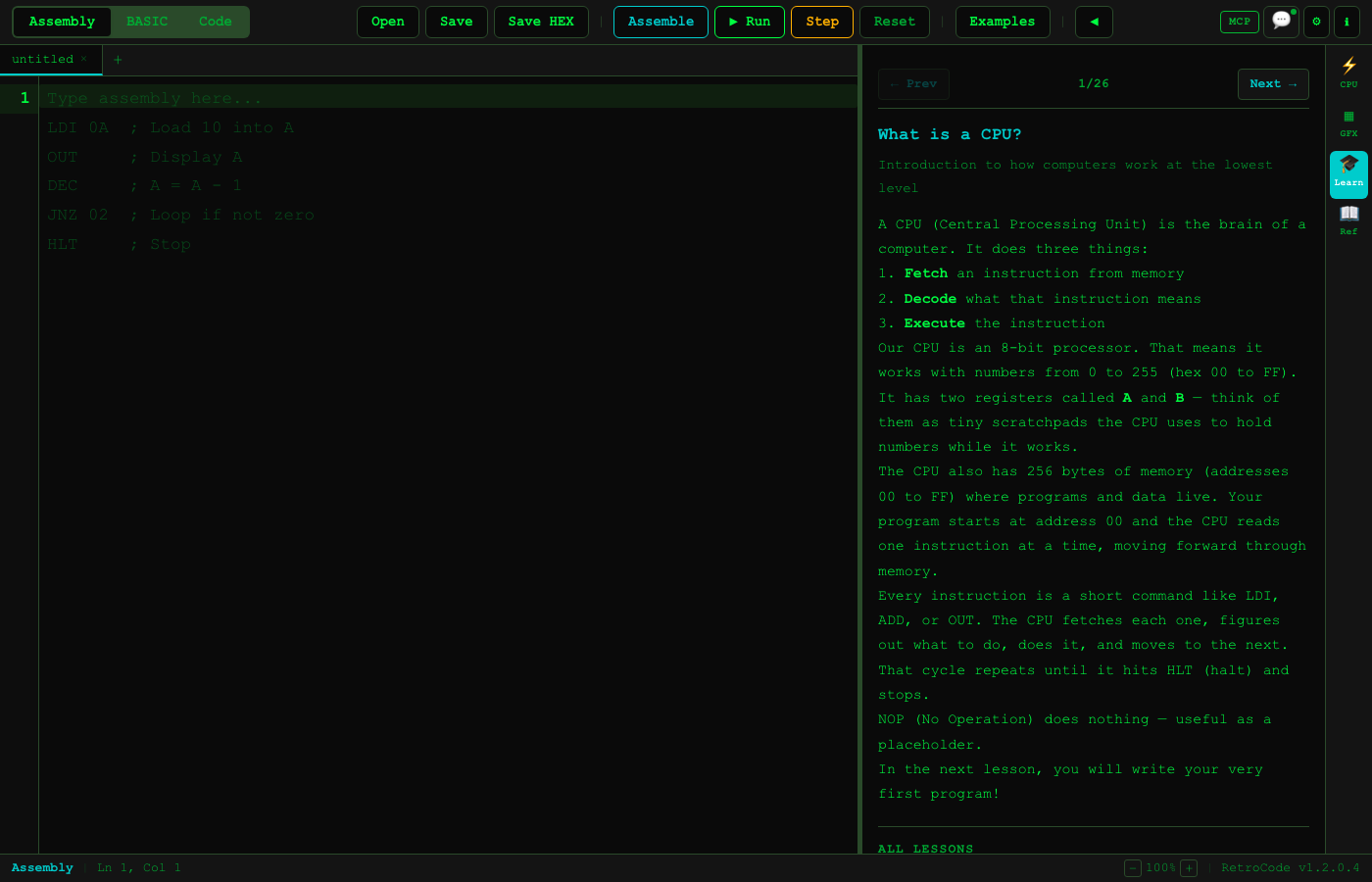
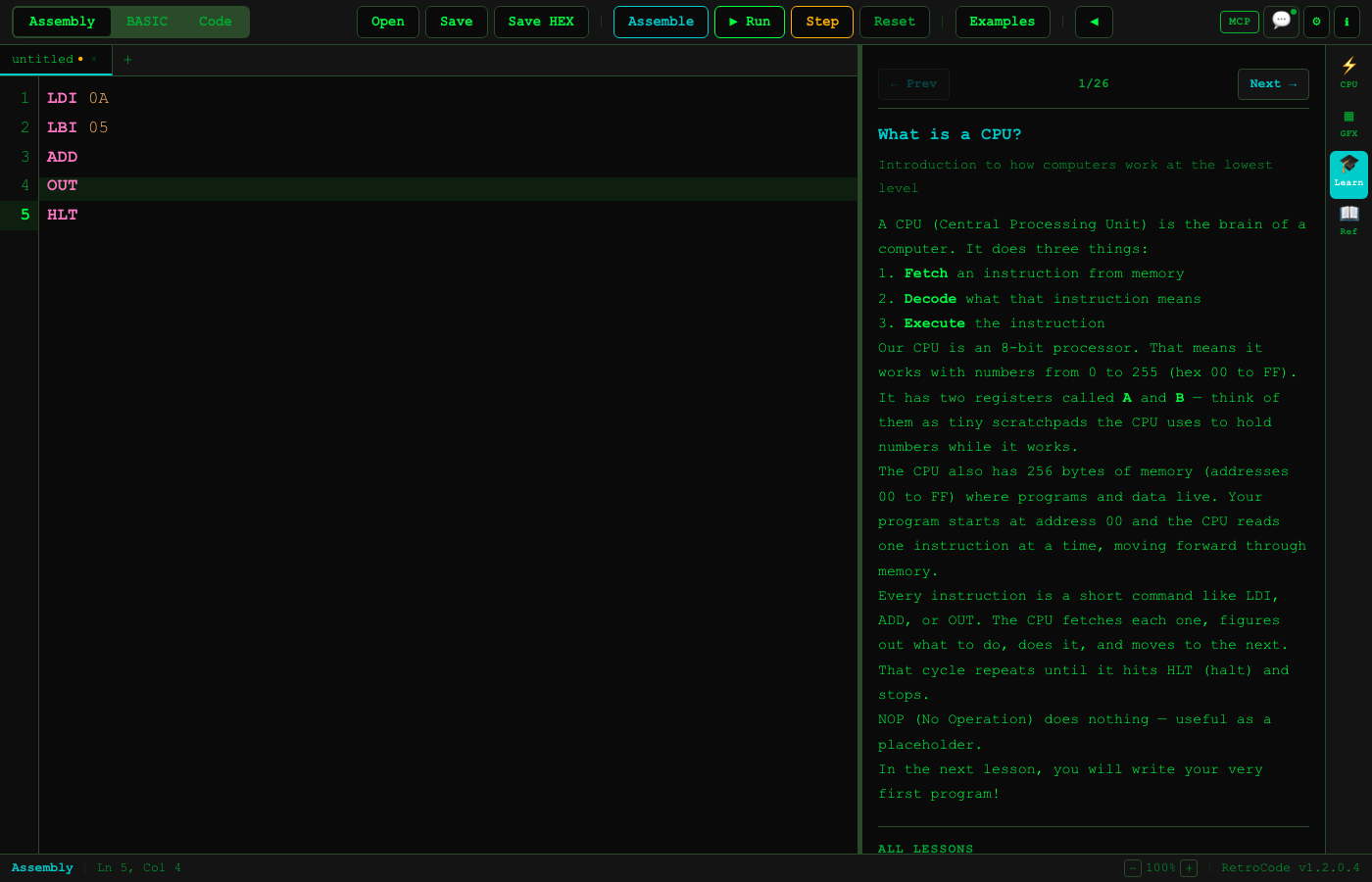
26 assembly lessons and 25 BASIC lessons. Start from "What is a CPU?" and build up to games and graphics. Over 50 runnable sample programs included.

Per-Mode File Tabs

Up to 5 file tabs in each mode. Independent content, session recovery across crashes and reboots, and full keyboard shortcuts.

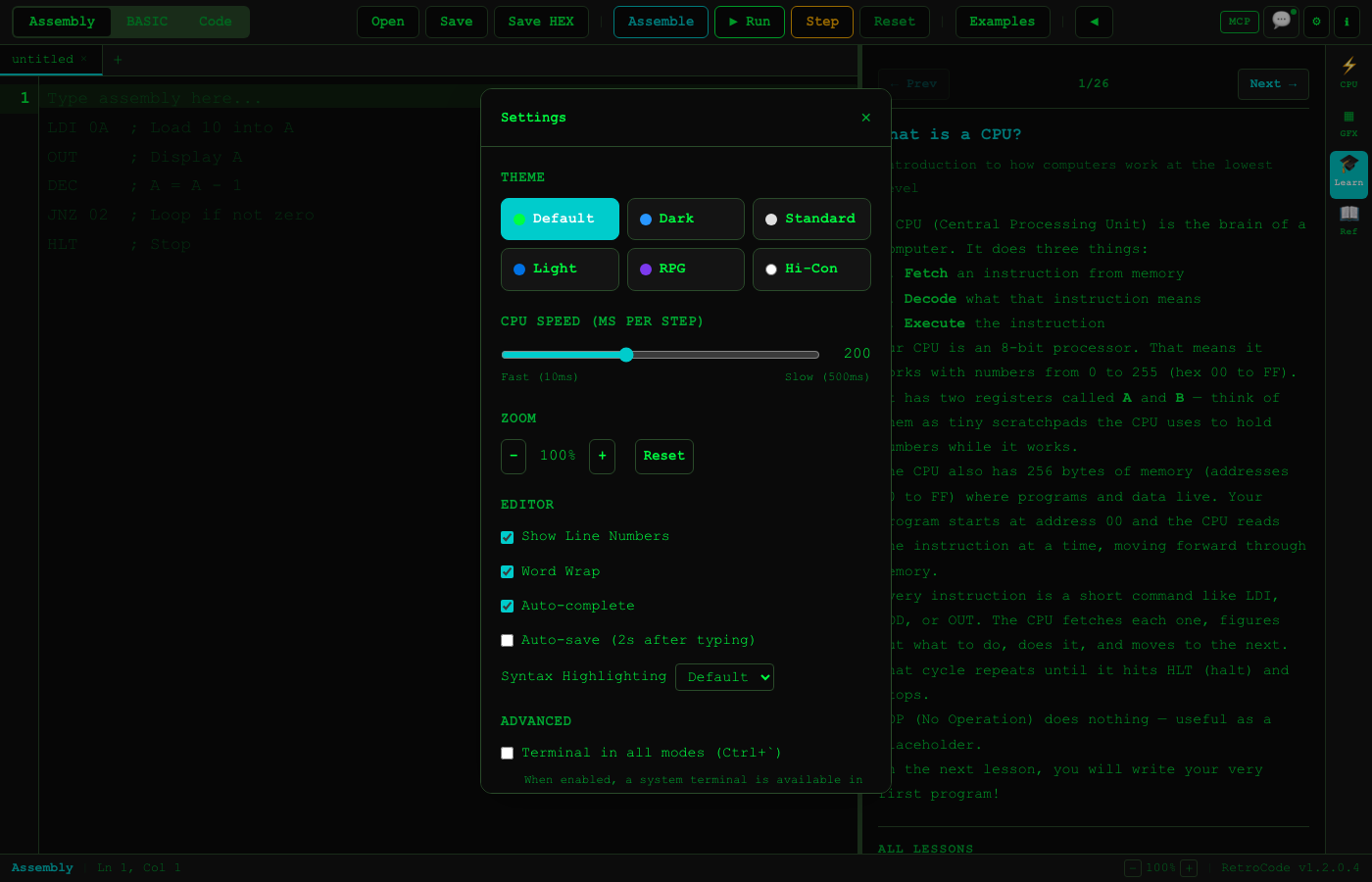
6 Themes

Default (green terminal), Standard, Dark, Light, RPG, and High Contrast. Choose your aesthetic or match your accessibility needs.

See It in Action

A visual tour of RetroCode's three modes, AI integration, and retro-inspired interface.

Welcome

RetroCode welcome screen

Assembly Mode

RetroCode Assembly Mode with 8-bit CPU simulator
Assembly graphics output on 64x48 display

64x48 Graphics Output

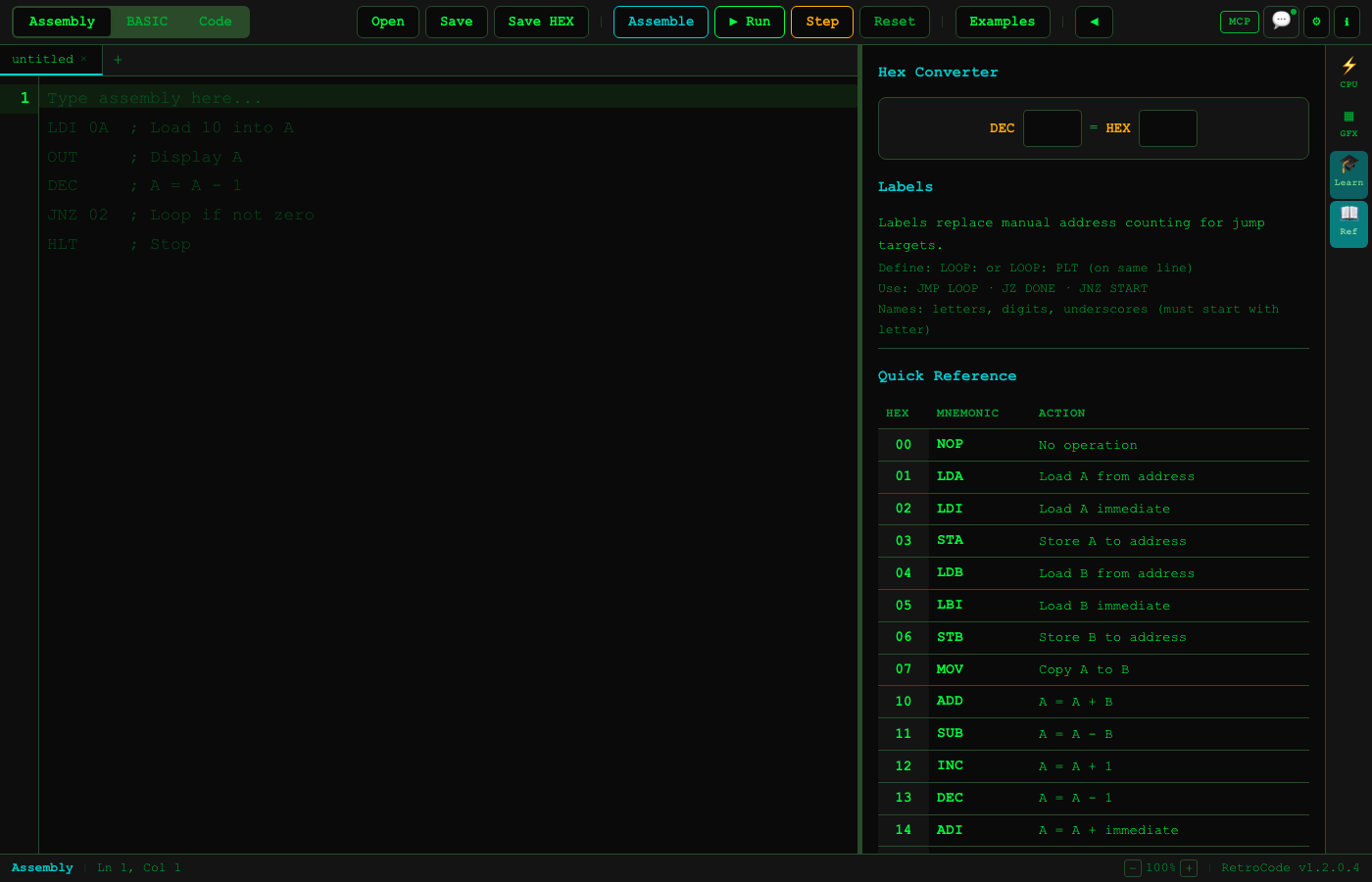
Assembly instruction reference panel

Built-In Reference

Assembly program running with register view

Running Assembly Code

Assembly lesson browser

26 Assembly Lessons

BASIC Mode

RetroCode BASIC terminal with green screen
BASIC graphics display

BASIC Graphics

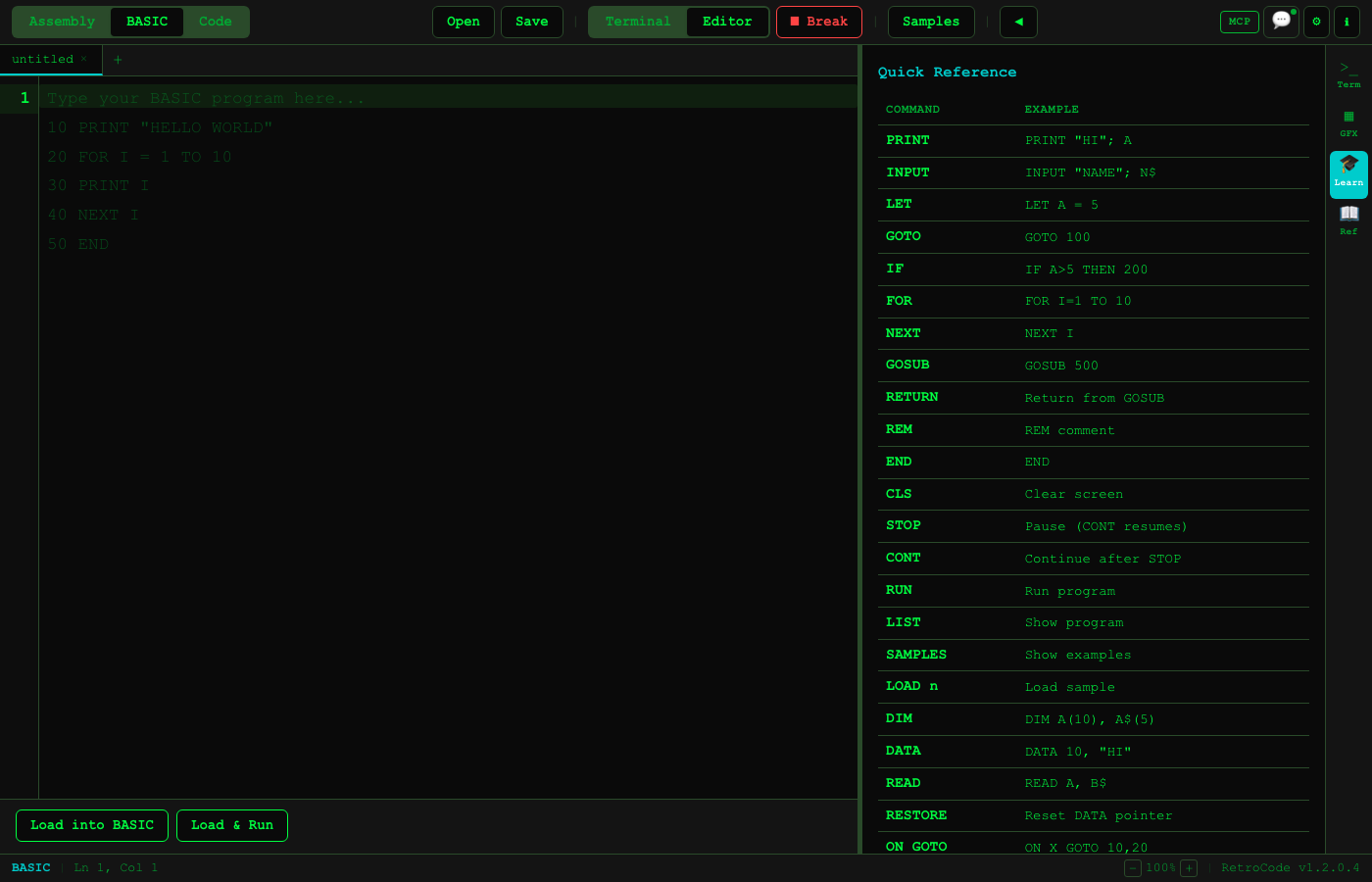
BASIC command reference panel

BASIC Reference

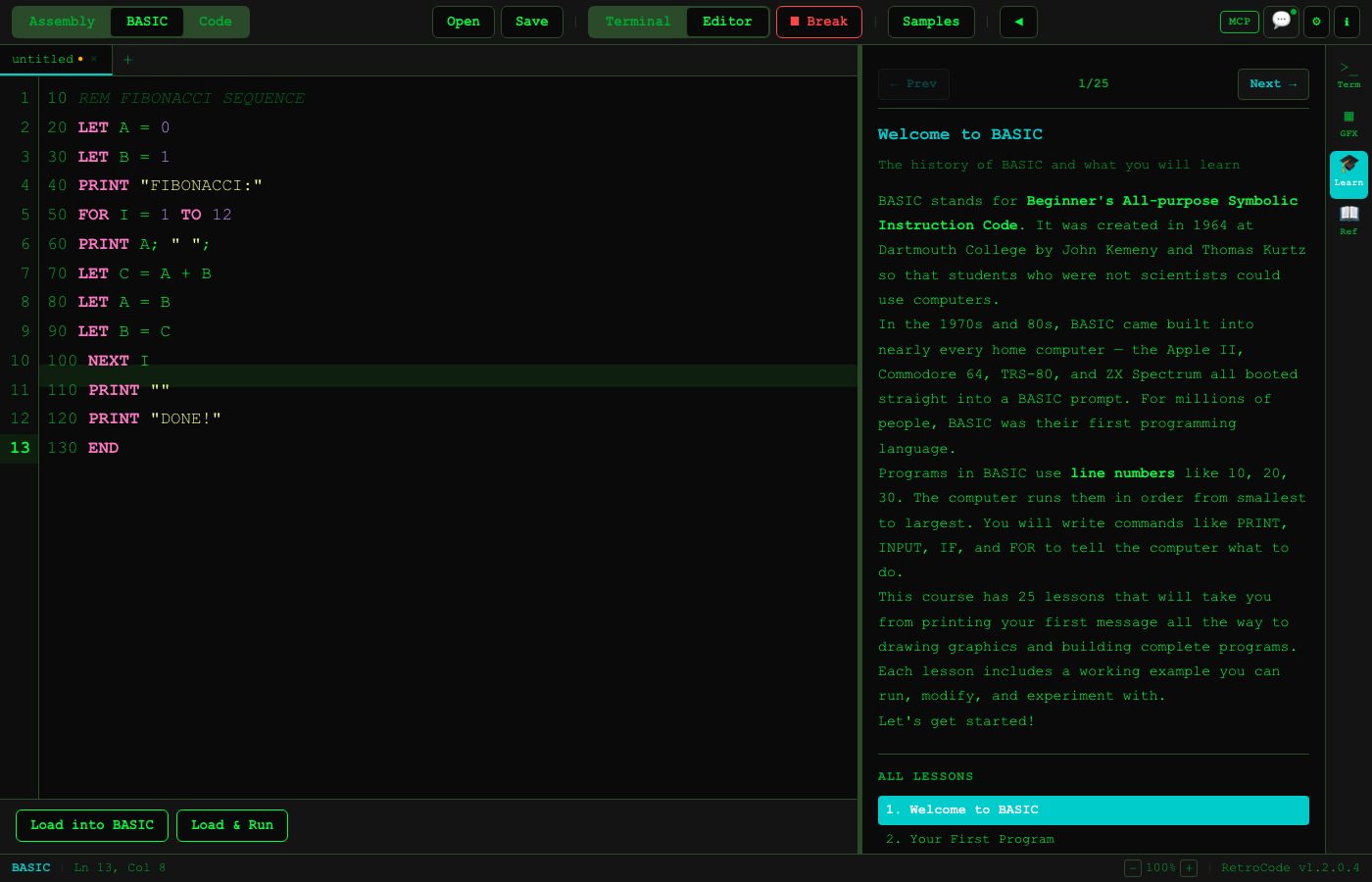
BASIC program editor

BASIC Editor

BASIC sample programs browser

35 BASIC Samples

Code Editor

RetroCode Code Editor with Python syntax highlighting
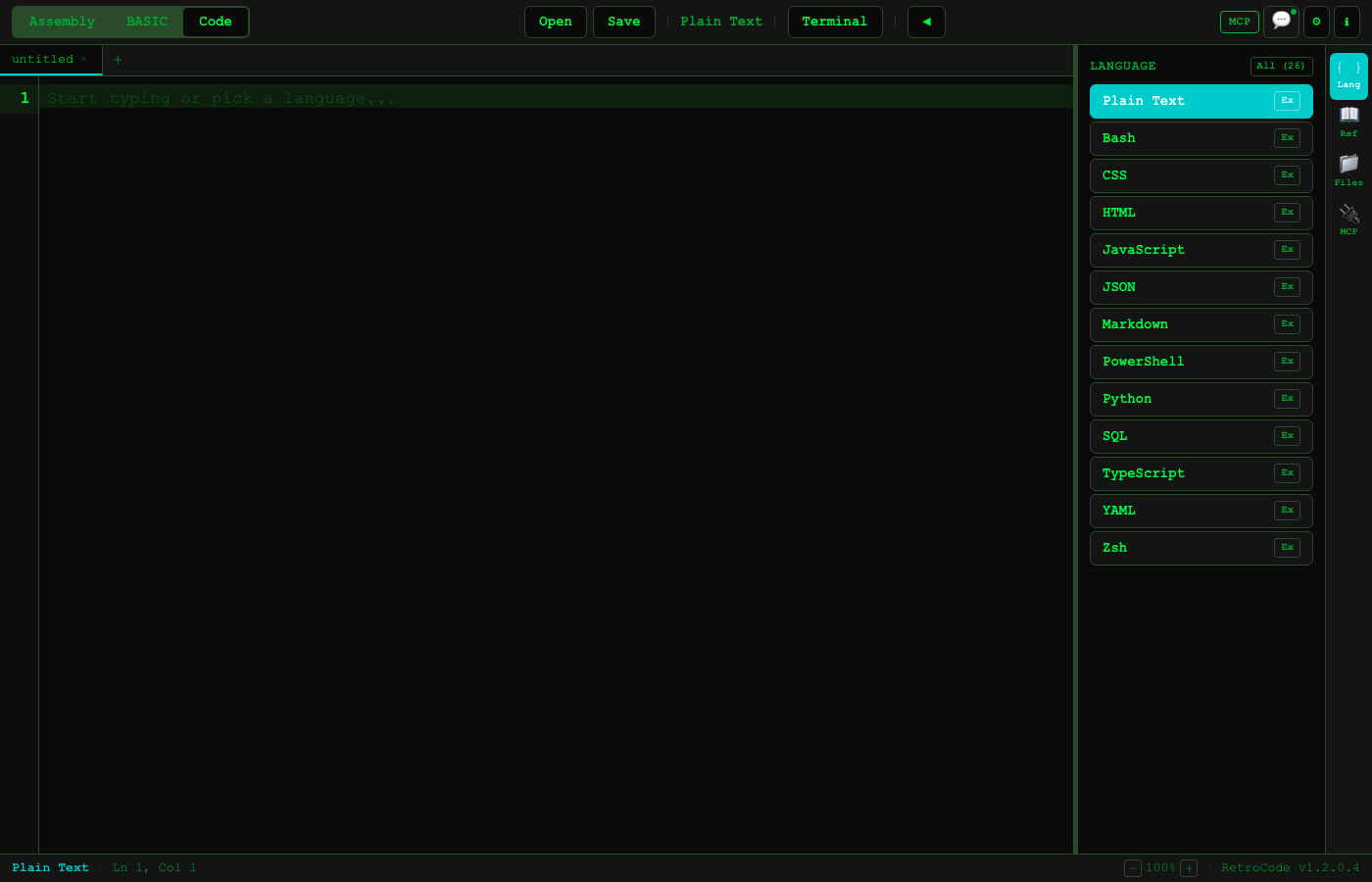
Language selector with 26 languages

26 Languages

Embedded terminal panel

Embedded Terminal

Multiple file tabs in code editor

File Tabs

File browser panel

File Browser

AI & MCP Integration

MCP tools integration panel

MCP Tools Panel

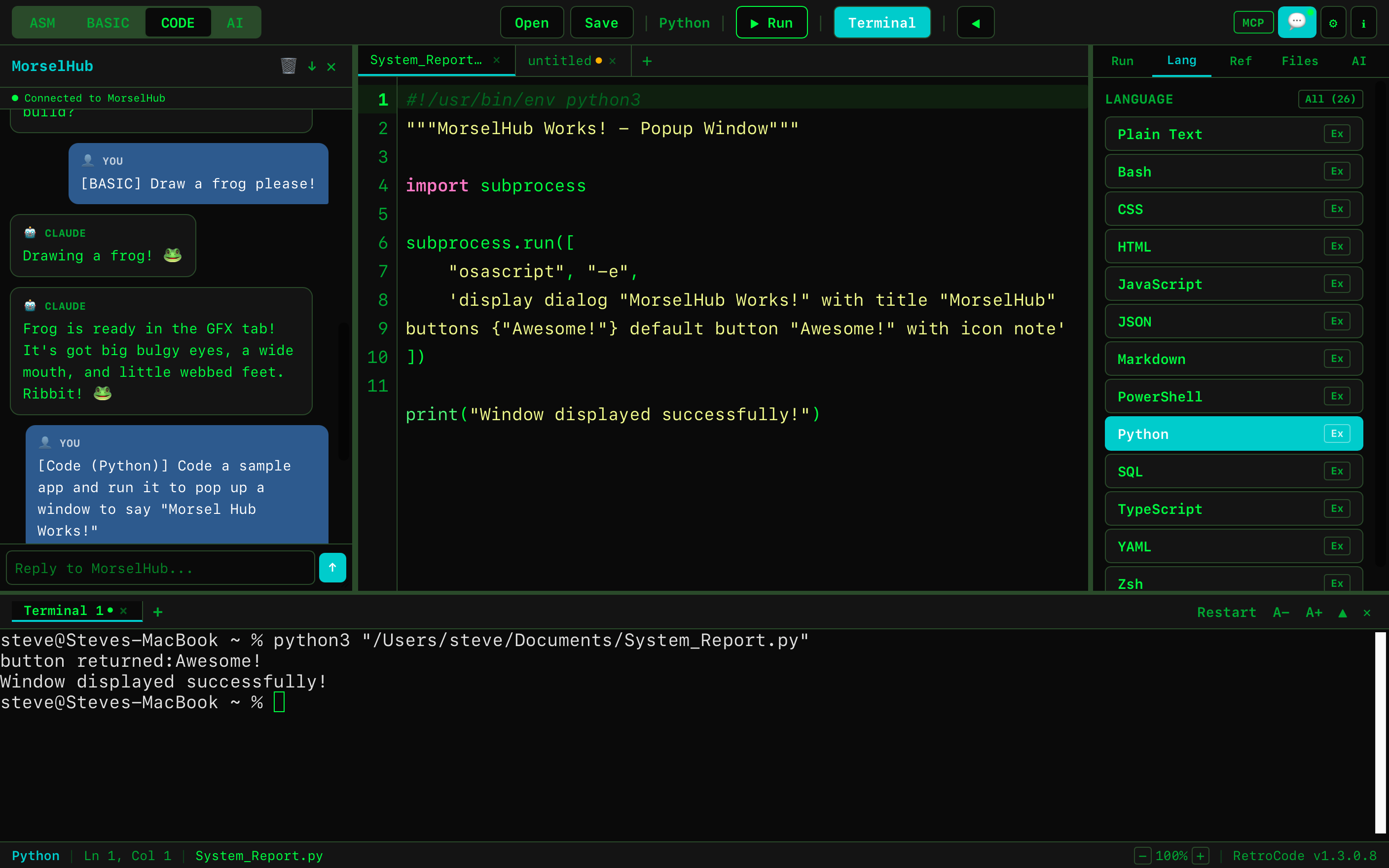
AI writing Python code in RetroCode

AI-Assisted Coding

BASIC graphics drawn by AI via MorselHub
BASIC Frog via iMessage

Assembly programming with AI assistance

AI + Assembly

Themes & Settings

Default green terminal theme

Default (Green Terminal)

Dark theme

Dark

Light theme

Light

RPG theme

RPG

High contrast accessibility theme

High Contrast

RetroCode settings panel

Settings

26 Languages

Run, debug, and build in 26 languages. Each has syntax highlighting, file detection, and integrated terminal execution.

R Run
D Debug
B Build
Assembly (8-bit)RD
BASIC V2.0R
PythonRD
JavaScriptR
TypeScriptR
CRDB
C++RDB
JavaRB
RustRB
GoRB
SwiftRB
KotlinRB
RubyR
PHPR
PerlR
LuaR
RR
Shell (Bash)R
PowerShellR
HTMLR
CSS
SQL
JSON
YAML
Markdown
Plain Text

AI via MorselHub Experimental

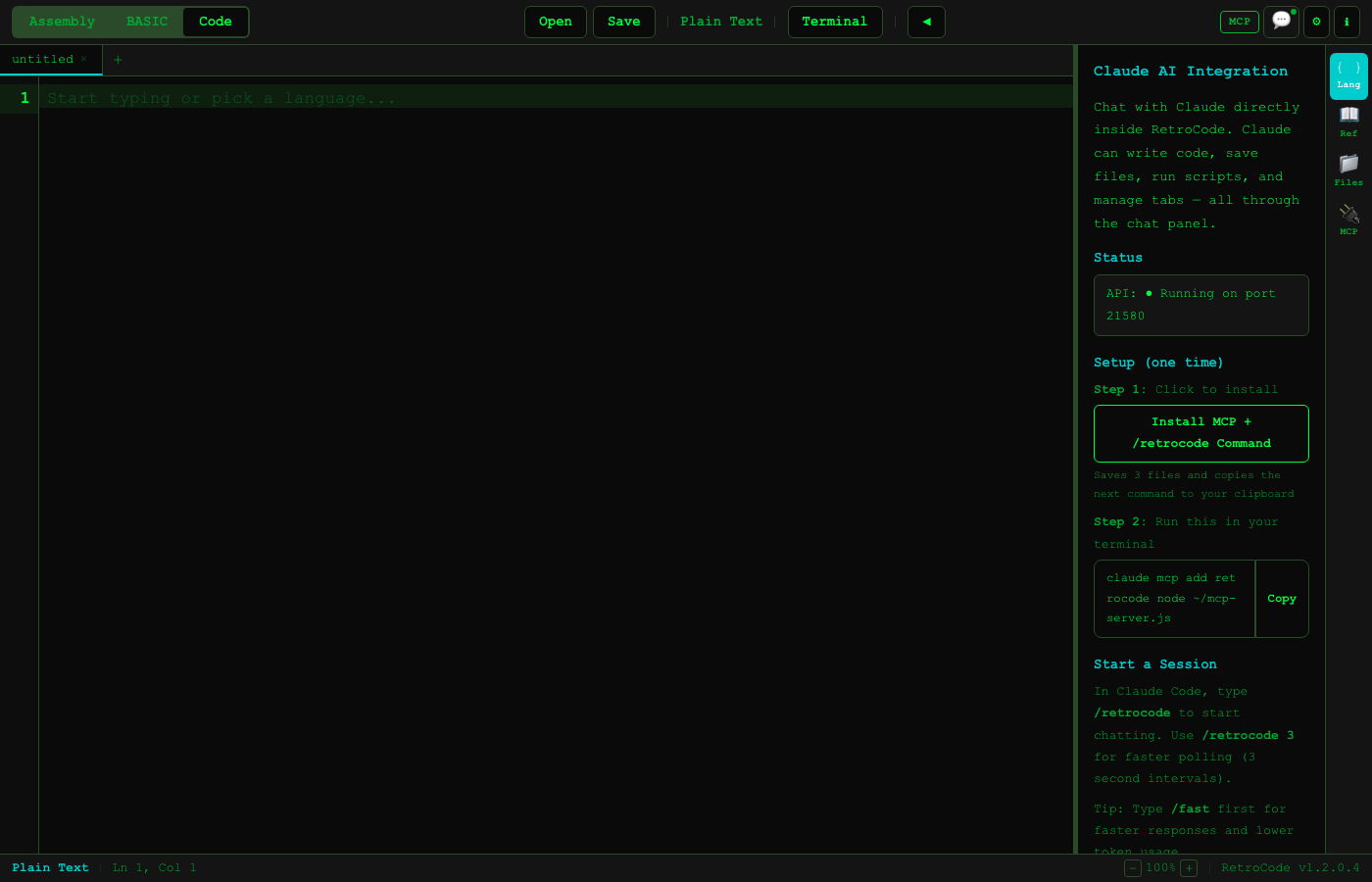
MorselHub is your universal AI broker. Connect to Claude, Ollama, or GitHub Copilot. AI can write code, run programs, and control RetroCode through 23 auto-discovered MCP tools.

Claude (via MCP)

Uses your Claude Max/Pro subscription through Claude Code CLI.

  1. In RetroCode: Code → MCP tab → Install
  2. claude mcp add retrocode node ~/mcp-server.js
  3. Type /retrocode in Claude Code

Ollama (Local AI)

Run AI locally — no internet, no API keys, no token charges.

  1. Install from ollama.com
  2. ollama pull qwen3-vl:4b
  3. Select Ollama in MorselHub AI settings

GitHub Copilot

Use your existing GitHub Copilot subscription for AI assistance.

  1. Authenticate with GitHub in MorselHub
  2. Select Copilot as the AI provider
  3. Chat from RetroCode or MorselHub dashboard

Quick Actions

Chat

Talk through the RetroCode chat panel. AI responds in real time.

Write Code

AI writes directly in your editor with syntax highlighting.

Run Scripts

Execute programs in the terminal. Run assembly, BASIC, or any language.

Save & Read Files

Create, save, and manage project files via chat.

Read Your Code

AI reads what you've written and suggests improvements.

Switch Modes

Move between Assembly, BASIC, and Code. Manage tabs and files.

23 MCP Tools

CategoryTools
Editorget_editor, set_editor, append_editor
Filessave_file, read_file
Tabslist_tabs, switch_tab, new_tab
Terminalopen_terminal, close_terminal, terminal, terminal_output
Chatchat, get_chat, heartbeat
Controlrun, stop, switch_mode, get_mode
Referenceasm_reference, basic_reference
Systemhealth, list_languages
MorselHub
Works with MorselHub
Connect RetroCode to MorselHub and chat with Claude from iMessage, webhooks, and more. Your coding sessions flow through MorselHub to your preferred AI provider.
Download MorselHub Learn More

Assembly Instruction Set

The CPU has 36 instructions organized into 7 categories. All values are 8-bit (0x00 to 0xFF). Two registers (A, B), 256 bytes of memory, zero and carry flags.

HexMnemonicDescription
Data Movement
00NOPNo operation
01LDA addrLoad A from memory address
02LDI valLoad immediate value into A
03STA addrStore A to memory address
04LDB addrLoad B from memory address
05LBI valLoad immediate value into B
06STB addrStore B to memory address
07MOVCopy A to B
Arithmetic & Stack
10ADDA = A + B
11SUBA = A - B
12INCA = A + 1
13DECA = A - 1
14ADI valA = A + immediate
15MULA = A * B
16DIVA = A / B
17MODA = A % B
18PUSHPush A onto stack
19POPPop stack into A
Logic
20ANDA = A AND B
21ORA = A OR B
22XORA = A XOR B
23NOTA = NOT A
24SHLShift A left
25SHRShift A right
26CPI valCompare A with immediate
Compare & Branch
30CMPCompare A with B
31JMP addrJump to address
32JZ addrJump if zero flag set
33JNZ addrJump if zero flag clear
34JC addrJump if carry flag set
I/O & Graphics
40OUTOutput A to display
41INPInput to A
50PLTPlot pixel at (A, B)
51UPLUnplot pixel at (A, B)
52CLGClear graphics
FFHLTHalt

BASIC V2.0 Reference

A complete BASIC interpreter with 40+ commands, math and string functions, graphics, game input, and a virtual file system.

10 PRINT "HELLO WORLD" 20 LET A = 5 30 FOR I = 1 TO 10 40 PRINT I; " x "; A; " = "; I * A 50 NEXT I 60 PRINT "" 70 PRINT "DONE!" 80 END

Commands

PRINT, INPUT, LET, GOTO, IF/THEN, FOR/NEXT/STEP, GOSUB/RETURN, REM, END, CLS, DIM, DATA/READ/RESTORE, ON GOTO/GOSUB, STOP/CONT, POKE/PEEK

Math Functions

INT, RND, ABS, SQR, SGN, SIN, COS, TAN, LOG, EXP

String Functions

LEN, LEFT$, RIGHT$, MID$, CHR$, ASC, TAB, VAL, STR$

Game Input

INKEY$ — non-blocking key detection for real-time games. Supports arrow keys, WASD, SPACE, ENTER, ESC, and all printable characters. Game loops run at ~60fps.

Graphics (64x48 bitmap)

PLOT, UNPLOT, DRAW, CIRCLE, BOX, FILL, GCLS, COLOR, LOCATE

Virtual Files

SAVE$, LOAD$, DIR, DEL — persistent storage in the browser

Get RetroCode v1.4.0

Free to download and use. No account required. No internet required after download.

macOS

macOS 12+ · Apple Silicon (arm64)

Download .dmg

Windows

Windows 11+ · x64

Download .zip

Also Available

MorselHub for macOS — AI broker for Claude, Ollama, and Copilot. Adds iMessage and webhook integration.

Keyboard Shortcuts

Shortcuts for macOS. On Windows, replace Cmd with Ctrl.

Editor

Run codeCmd + R
Stop executionCmd + .
Save fileCmd + S
Open fileCmd + O
New fileCmd + N
Find / ReplaceCmd + F
Go to lineCmd + G
Toggle commentCmd + /
IndentTab
OutdentShift + Tab

Application

Toggle terminalCmd + T
Toggle chatCmd + Shift + C
Toggle referenceCmd + Shift + R
Toggle file browserCmd + Shift + F
SettingsCmd + ,
Zoom inCmd + =
Zoom outCmd + -
Reset zoomCmd + 0

Tabs

Tab 1-5Cmd + 1 ... Cmd + 5
Next tabCtrl + Tab
Previous tabCtrl + Shift + Tab
Close tabCmd + W

Assembly Mode

StepCmd + Shift + S
Reset CPUCmd + Shift + X
AssembleCmd + B

Learn More

Full documentation is available in the app (Learn tab + Reference panels) and online.